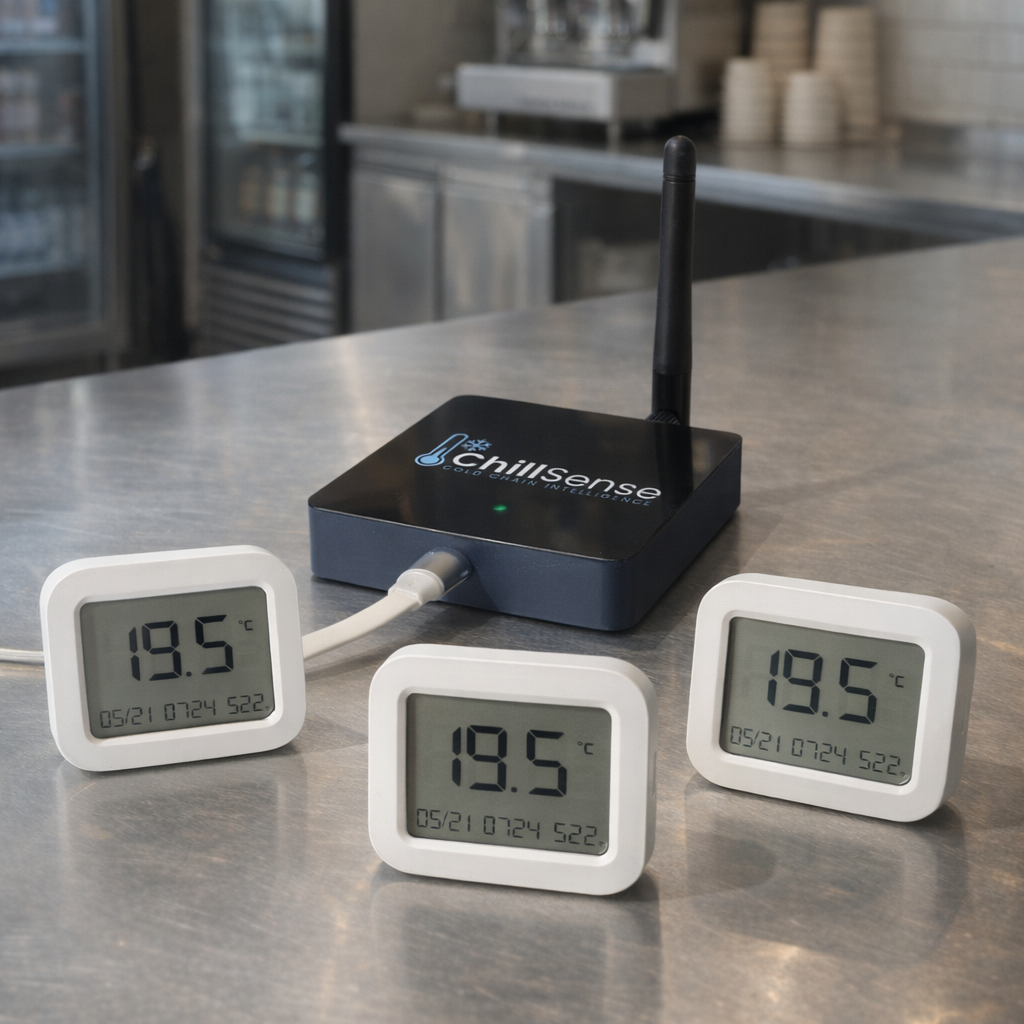
What's included
- 1 x (unknown SKU CS-HUB)
- 3 x (unknown SKU CS-SENSOR)
The Cafe Pack is built around what a typical small cafe actually needs to monitor: a display fridge out the front, an under-counter prep fridge on the line, and a small upright freezer for ice cream or back-up stock. Three sensors and one hub in a single hardware purchase. Add Sensor Monitoring (1 Sensor) at checkout with quantity 3 (monthly or yearly billing).
Who this pack is for
- Cafes, bakeries, and small specialty food stores with around three cold-chain assets to monitor.
- Single-room sites where one hub will comfortably cover all the assets.
- Operators who want HACCP-ready records without juggling separate hardware and subscription invoices.
If you only need to cover a single asset, the Starter Pack is a better fit. If you're closer to a full kitchen than a cafe, see the Restaurant Pack.
A common deployment
| Sensor |
Asset |
Why monitor it |
| 1 |
Front-of-house display fridge |
Food safety critical; the door opens constantly. |
| 2 |
Back-of-house under-counter prep fridge |
High stock value; easy to forget about behind the line. |
| 3 |
Upright or chest freezer |
Long thaw cycles can ruin a lot of stock fast. |
The hub goes wherever it can reach all three sensors over its wireless link - typically a back-of-house wall socket within line of sight of the prep area.
Add monitoring at checkout
This pack is hardware only. To bring the dashboard, alerts, and HACCP reports online you also need an active monitoring subscription. Add Sensor Monitoring (1 Sensor) at checkout with quantity 3 ($8/month or $60/year per sensor). No commitment on the monthly option - cancel or change at the end of any billing period.
Setup at a glance
- Plug the hub in and follow the dashboard prompt to claim it to your site.
- Pair each sensor near the hub, one at a time, naming each one for the asset it will monitor (for example, "Front display fridge").
- Place each sensor in its asset per the placing sensors guide.
- Set per-asset temperature thresholds and notification contacts.
Growing later
- Adding more sensors at the same site: use the Sensor + Monitoring add-on per extra asset and add another monitoring line at checkout. No extra hub needed unless coverage suffers.
- Coverage gap or far-side asset? Add a second hub - hubs do not need their own subscription line, so the only cost is the hardware.
- Outgrowing the pack? Move up to the Restaurant Pack sizing as you add assets.